

netmirror extension APK: Your Guide to Streaming Movies and TV Shows
Introduction to netmirror extension
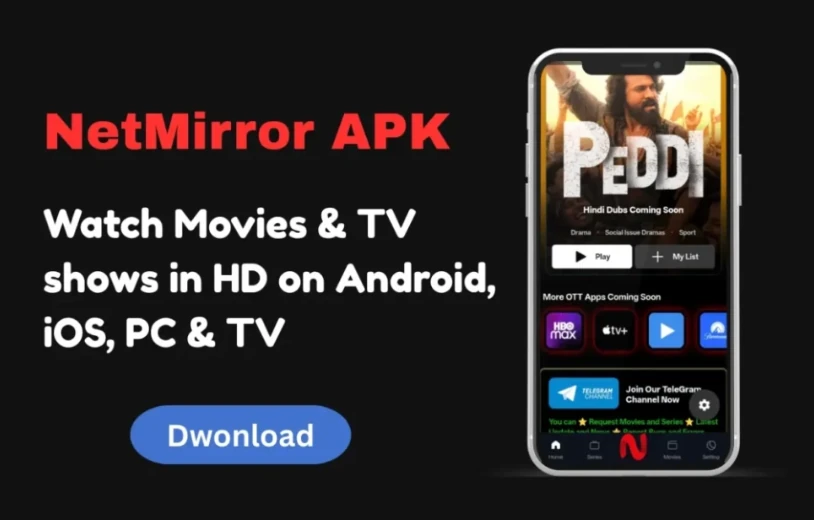
The netmirror extension is an innovative APK that allows you to stream a wide range of content, including Bollywood movies, Hollywood movies, and various South Indian films, directly onto your Android device. With this app, users can easily explore a vast library consisting of Hindi movies, regional films, popular web series, and engaging TV shows.
The application offers a seamless browsing experience, providing various categories for easy access to your favourite content. Whether you're into Tamil, Telugu, Malayalam, or Kannada movies, the netmirror extension ensures that you have a plethora of entertainment options at your fingertips. The app also focuses on video quality, giving you the flexibility to stream in different resolutions depending on your internet speed and device capabilities.
How to Download and Install netmirror extension APK
Follow these steps to safely install the netmirror extension APK on your Android device:
Step 1: Download the APK File
Start by downloading the latest version of the APK from the official website or a trusted source. Always check the file name, version, and origin before downloading.
Step 2: Locate the Downloaded File
Once the download is complete, open the File Manager on your phone. Navigate to the Downloads folder to find the downloaded APK file.
Step 3: Enable Unknown App Installation
If your Android system prompts you, you will need to allow the installation of apps from unknown sources. Go to:
- Settings → Security / Privacy → Install Unknown Apps
The names of these settings may differ based on your Android version or smartphone brand.
Step 4: Install the Application
Tap on the APK file and follow the on-screen instructions to complete the installation.
Step 5: Open the App
After installation, click Open to launch the application. You may need to complete some initial setup based on the app's requirements. Remember to disable the Install Unknown Apps permission if you no longer need it.
Safety Tips Before Installing netmirror extension APK
When downloading and installing the APK, consider the following safety tips:
- Always prioritize downloading from the official site or reputable sources.
- Avoid downloading files from suspicious ads, pop-ups, or unknown links.
- Before installation, check the APK file’s source and version details.
- Utilize reliable Android antivirus software or Google Play Protect to scan the file.
- Pay attention to permissions requested during installation, and avoid granting unnecessary sensitive permissions.
- Once installation is complete, disable the Install Unknown Apps option.
- Do not install MOD APKs or modified APKs from dubious sources.
Frequently Asked Questions (FAQ)
Q1. Is netmirror extension APK free to use?
Based on available information, the netmirror extension APK is free to use, enabling users to access a wide range of content without any subscription fees.
Q2. Can I watch Bollywood and South Indian movies on netmirror extension?
Yes, the app supports streaming Bollywood and a diverse selection of South Indian films, including Tamil, Telugu, Malayalam, and Kannada movies.
Q3. Does netmirror extension APK work on Android TV?
The netmirror extension is designed primarily for Android phones and tablets, and compatibility with Android TV may vary; it's best to check the specifics before installation.
Q4. Why is video streaming buffering or lagging?
Common reasons for buffering include poor internet connectivity. To resolve this, ensure a stable connection, lower the video quality, close background apps, or restart the streaming player.
Q5. Do I need to create an account to use netmirror extension?
No account creation is required to access the app's content; you can start streaming right away.
Disclaimer
This article serves only as a reference for downloading and using the Android APK. Third-party entertainment applications may contain content sourced from various providers. All movies and shows are copyrighted and owned by their respective rights holders. Users should adhere to applicable copyright laws in their regions and verify the source and content permissions before use. This article does not endorse unauthorized content or copyright infringements.